
Argo Workflows Tutorials
Hands-on tutorials that teach Argo Workflows by building real pipelines — every concept comes with YAML you can run.
How the tutorials are organised
Each tutorial focuses on one skill and builds on the previous ones. Start with the beginner tutorial if you have never submitted a workflow; jump straight to DAGs, templates or scheduling if you already know the basics. Every code block has been written to run unmodified on a standard installation with public images, and each tutorial ends with a troubleshooting section for the errors learners hit most often.
Skill map
| Level | You will learn | Tutorial |
|---|---|---|
| Beginner | Submit workflows, parameters, steps, outputs, loops, retries, exit handlers | First pipeline |
| Beginner | Every important manifest field and expression syntax | YAML reference |
| Intermediate | Dependencies, depends logic, fan-out, failure handling | DAG guide |
| Intermediate | Reusable libraries with templateRef and versioning | Templates guide |
| Intermediate | Schedules, timezones, concurrency and backfills | CronWorkflow guide |
| All levels | Twelve production patterns to copy | Examples |
Practise as you read
Learning sticks when you experiment. Keep the DAG visualizer open to see how dependency changes reshape a graph, use the snippet generator for fields you cannot remember, and build reusable pieces in the template builder. When something fails, paste it into the validator before searching for the error.
Suggested weekly plan
- Day 1: first pipeline tutorial and YAML reference.
- Day 2: rewrite a steps workflow as a DAG.
- Day 3: convert it into a WorkflowTemplate and submit it with parameters.
- Day 4: schedule it as a CronWorkflow with an exit-handler notification.
- Day 5: review it with the configuration checker and fix every warning.
Guides
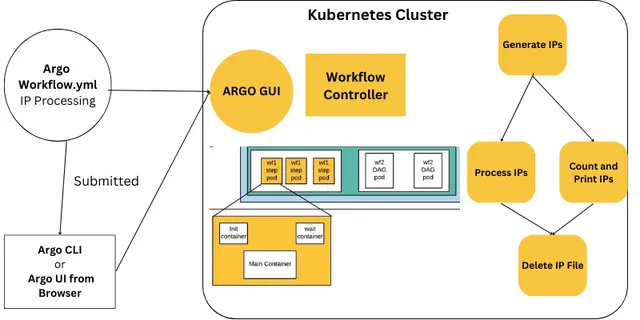 Tutorials
How Do You Build Your First Argo Workflows Pipeline?
A hands-on Argo Workflows tutorial. Write, submit and debug workflows with steps, parameters, outputs, loops, conditions, retries and exit handlers using working YAML.
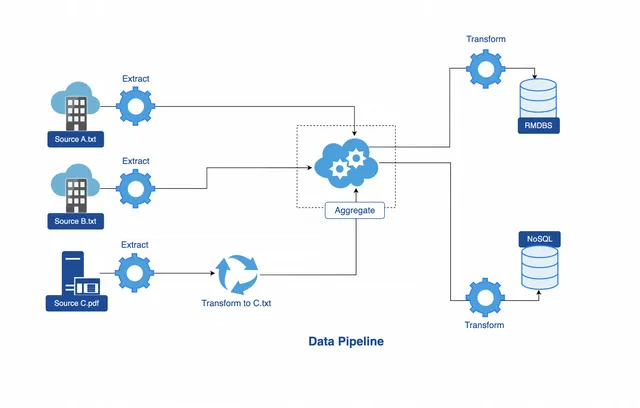 Workflow Automation
Which Argo Workflows Examples Should You Learn First?
Twelve practical Argo Workflows examples with working YAML — parameters, scripts, artifacts, loops, conditionals, retries, exit handlers, resource templates, suspend gates and more.
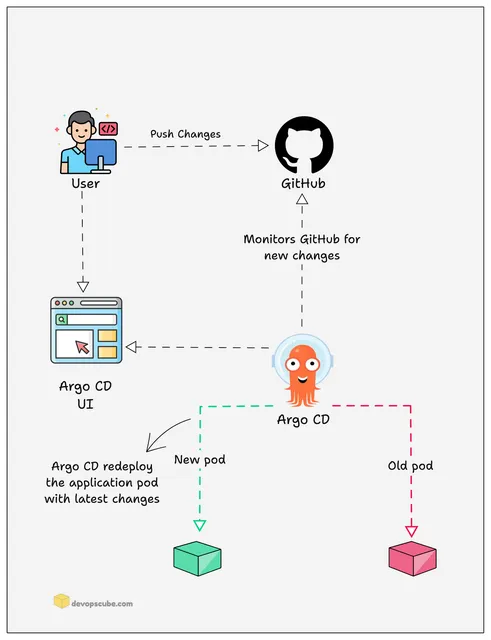 Workflow Automation
How Is an Argo Workflows YAML File Structured?
Understand every important field in Argo Workflows YAML — metadata, spec, templates, inputs, outputs, variables, expressions, retries, deadlines, garbage collection and synchronisation.
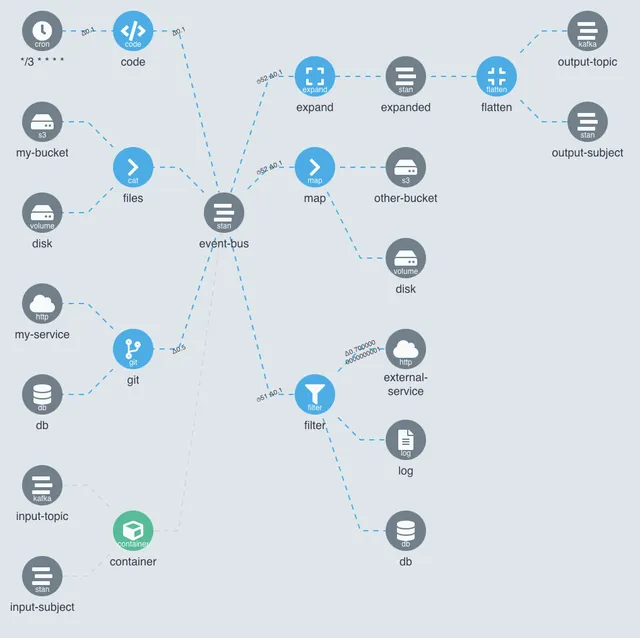 DAG Workflows
How Do DAG Dependencies Work in Argo Workflows?
Master DAG templates in Argo Workflows. Learn tasks, dependencies, enhanced depends logic, conditional branches, loops, failFast, output passing and how DAGs compare with steps.
 Workflow Templates
How Do You Create Reusable Argo Workflows Templates?
Learn how to build reusable Argo Workflows templates. Covers WorkflowTemplate, ClusterWorkflowTemplate, templateRef, workflowTemplateRef, parameters, versioning and GitOps best practices.
 CronWorkflows
How Do You Schedule Jobs With Argo CronWorkflows?
Schedule Argo Workflows with CronWorkflows. Learn cron syntax, multiple schedules, timezones, concurrency policies, starting deadlines, history limits, suspend, stop strategies and backfills.